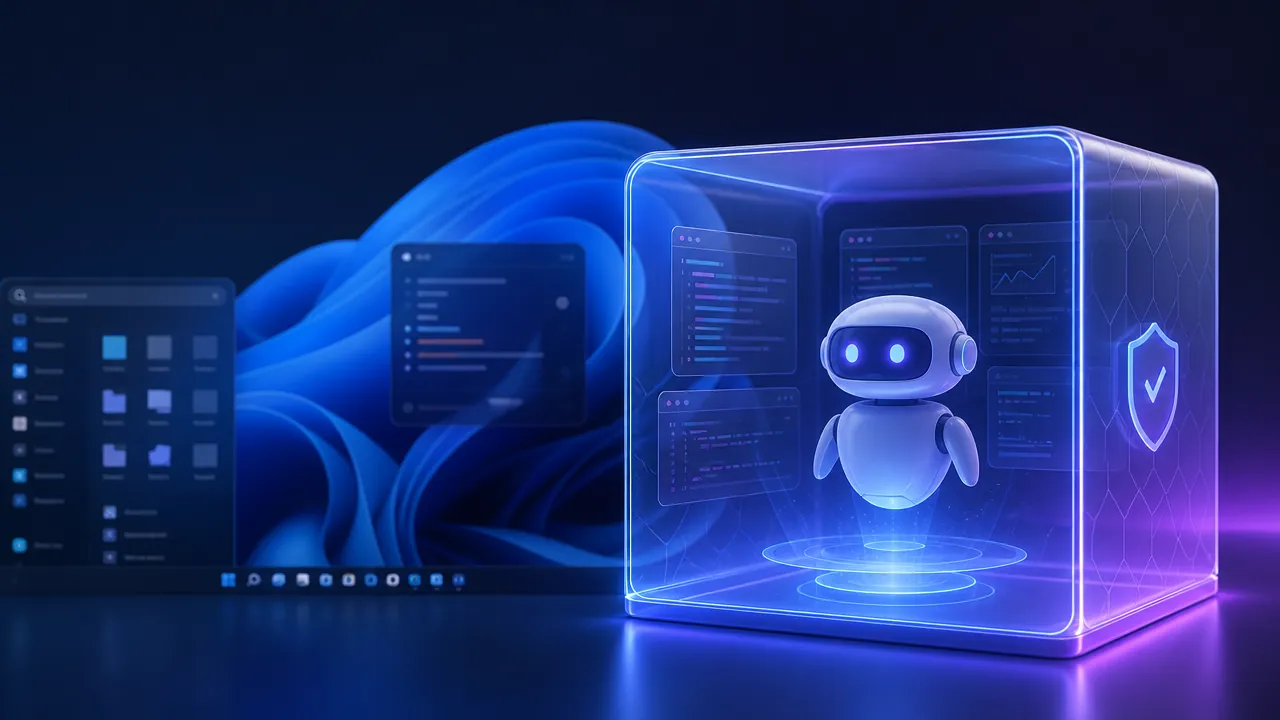
Microsoft Execution Containers are a Windows security framework designed to run AI-agent tasks inside controlled, policy-based sandboxes. The isolation can reduce an agent's blast radius, but users still need least-privilege access, tool verification, monitoring, and confirmation for high-impact actions.
Key takeaways
- Microsoft Execution Containers are designed to isolate AI-agent activity from a user's main Windows environment.
- Policy controls could restrict access to files, applications, credentials, and network resources.
- The framework supports Microsoft's broader strategy for local, cloud, and hybrid AI on Windows 11.
- Sandboxing can reduce damage from mistakes or compromised tools but does not eliminate prompt injection or unsafe permissions.
- MXC's practical value will depend on its boundaries, persistence, administration controls, monitoring, and performance.
Microsoft has introduced Microsoft Execution Containers (MXC), a security framework designed to confine AI-agent activity inside a controlled Windows sandbox. The announcement comes as Microsoft expands Windows 11's support for local AI models, hybrid intelligence, and agents that can take actions on a user's behalf.
The central idea is straightforward: an AI agent should not automatically receive unrestricted access to the computer it operates. By running agent tasks in an isolated Execution Container, Microsoft aims to reduce the damage an agent could cause if it makes a mistake, follows a malicious instruction, or uses a compromised tool.
What Microsoft Execution Containers are and why Microsoft is introducing them
AI agents are moving beyond answering questions. They can potentially open applications, modify files, call online services, and complete multi-step tasks. That capability makes isolation more important than it is for a conventional chatbot.
MXC is intended to provide that isolation layer for Windows AI agents. Rather than allowing every agent action to occur directly in the user's main Windows environment, the framework can place execution inside a separate, policy-controlled space. In practical terms, that could limit an agent's access to sensitive files, applications, credentials, and network resources.
Microsoft says Execution Containers will be available to all Windows 11 users. The announcement leaves important implementation details to be clarified, including how users and administrators will configure permissions and which agent experiences will support the technology first.
How MXC fits into Windows 11's local and hybrid AI strategy
Execution Containers are part of a broader Windows strategy that blends on-device and cloud-based intelligence. Local models can offer lower latency, greater privacy, and continued functionality when an internet connection is limited. Cloud models can provide more computing power and access to larger systems. Windows 11 is increasingly being positioned as the layer that coordinates both approaches.
That strategy also includes hardware built for local AI workloads. Microsoft's Surface RTX Spark Dev Box is designed to support on-device model execution, giving developers a platform for testing and running AI applications closer to the user. As local models become more capable, a protected environment becomes more valuable: an agent running locally may be faster and more private, but it is also operating near the user's real data and applications.
MXC could therefore become a trust layer for Windows agent orchestration. Identity, management policies, and execution boundaries will need to work together so an agent can act with enough authority to be useful without receiving a blank cheque.
What the sandbox can protect against - and what it cannot
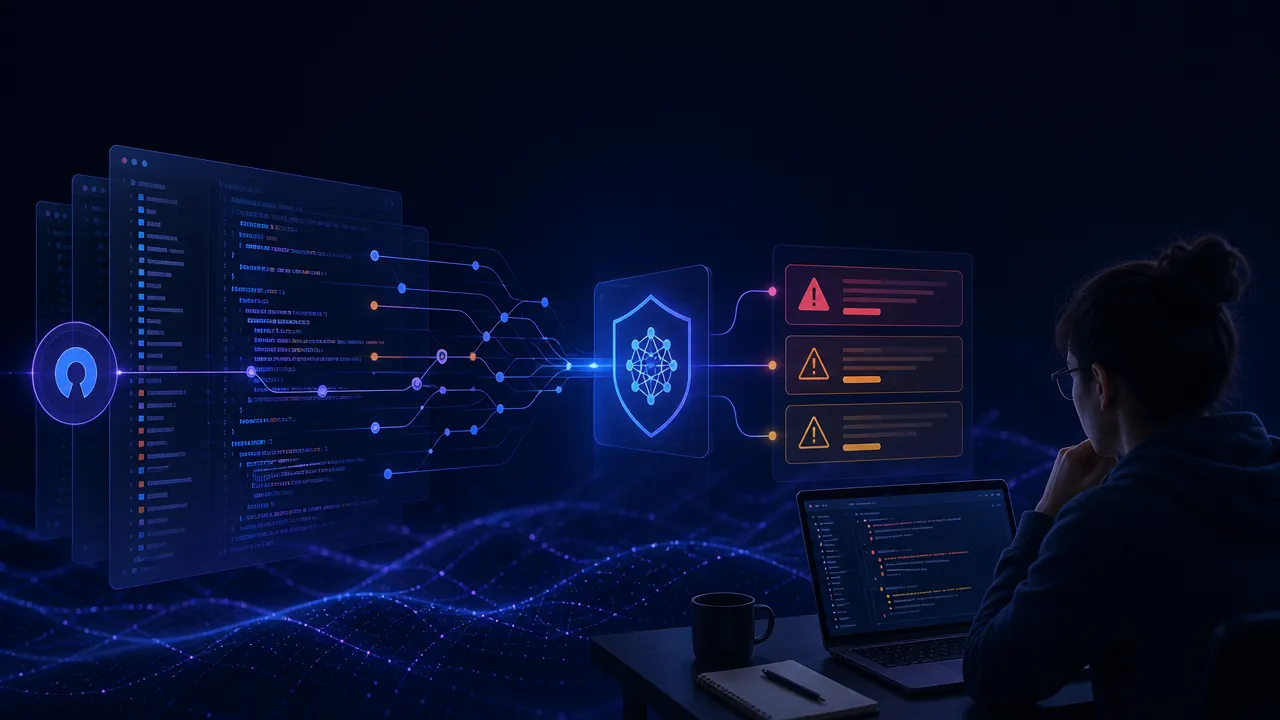
Containment can reduce an agent's blast radius. If an agent downloads a suspicious file, edits the wrong document, or invokes an unsafe command, restrictions on filesystem, application, or network access could prevent that action from reaching the wider system.
The approach is related to existing isolation techniques such as Windows Sandbox, virtual machines, and Linux-based cloud environments for agents. Those systems can offer stronger or more established separation, but they may introduce additional setup, resource use, or integration challenges. MXC's potential advantage is tighter integration with Windows 11 and everyday agent workflows.
A sandbox is not a complete security solution, however. It does not automatically prevent prompt injection, malicious tools, compromised dependencies, or unsafe instructions from influencing an agent. If an agent is allowed to access a sensitive service, it could still misuse that approved access. Identity checks, least-privilege permissions, tool verification, and human confirmation for high-impact actions remain essential.
Several practical questions will determine MXC's value. Microsoft has not fully described the boundaries of the container, its default filesystem and network permissions, persistence between tasks, administrative policy controls, or its performance overhead. It is also not yet clear whether the first implementation will focus mainly on developers, consumers, enterprise administrators, or all three groups with different controls.
Why agent isolation could determine whether Windows users trust AI automation
Windows AI agents will be easier to adopt if users can understand what they are allowed to do and recover safely when something goes wrong. Microsoft Execution Containers could provide that foundation, particularly as local models bring agent activity onto personal computers and corporate endpoints.
The next Windows 11 updates will show whether MXC becomes a practical, visible security control or mainly an underlying platform feature. Its success will depend less on the word “sandbox” than on the permissions, identity, management, and monitoring built around it.
By the numbers
Microsoft says Execution Containers will be available to all Windows 11 users.
This availability claim comes from Microsoft's announcement as described in the article; the rollout mechanism and supported experiences still require clarification.
The article identifies three core resource categories that MXC may restrict: filesystem, application, and network access.
These categories summarize the policy boundaries discussed in the article, not an independently published Microsoft performance benchmark.
The article compares MXC with three established isolation approaches: Windows Sandbox, virtual machines, and Linux-based cloud agent environments.
This comparison frames MXC's potential integration advantage while acknowledging that alternative environments may provide stronger or more established separation.
Step by step
- 01
Define the agent's required access
List the files, applications, credentials, services, and network destinations the agent genuinely needs before assigning permissions.
- 02
Configure least-privilege policies
Restrict filesystem, application, and network access to approved resources, and deny broad system access by default.
- 03
Verify tools and dependencies
Review the agent's tools, packages, models, and external services for malicious or compromised components before execution.
- 04
Require confirmation for high-impact actions
Add human approval before the agent can delete data, change system settings, send sensitive information, or perform irreversible transactions.
- 05
Monitor and test the execution boundary
Log agent actions, test failure and escape scenarios, and measure performance to confirm that the container provides useful protection without disrupting workflows.
Frequently asked questions
What are Microsoft Execution Containers?
Microsoft Execution Containers are controlled Windows environments intended to isolate AI-agent tasks from the main operating system. Microsoft positions the framework as a way to limit an agent's access to files, applications, credentials, and network resources while it performs actions.
Why does Windows need AI-agent isolation?
Windows needs AI-agent isolation because agents can take actions that affect real files, applications, services, and user data. A sandbox can reduce the damage caused by mistakes, malicious instructions, unsafe commands, or compromised tools as local and hybrid agents become more capable.
What can Microsoft Execution Containers protect against?
Microsoft Execution Containers can help limit the impact of unsafe agent actions when access policies block sensitive resources. They may prevent a suspicious download, incorrect file edit, or unauthorized command from reaching the wider system, although their protection depends on the configured boundary.
Do Execution Containers prevent prompt injection attacks?
No, Execution Containers do not automatically prevent prompt injection attacks. They constrain what an influenced agent can do, but prompt-injection defenses, tool verification, identity controls, monitoring, and human approval are still required.
When will Microsoft Execution Containers be available?
Microsoft says Execution Containers will be available to all Windows 11 users, but key implementation details remain unclear. Microsoft has not fully explained the initial supported experiences, default permissions, persistence model, administrative controls, or performance overhead.